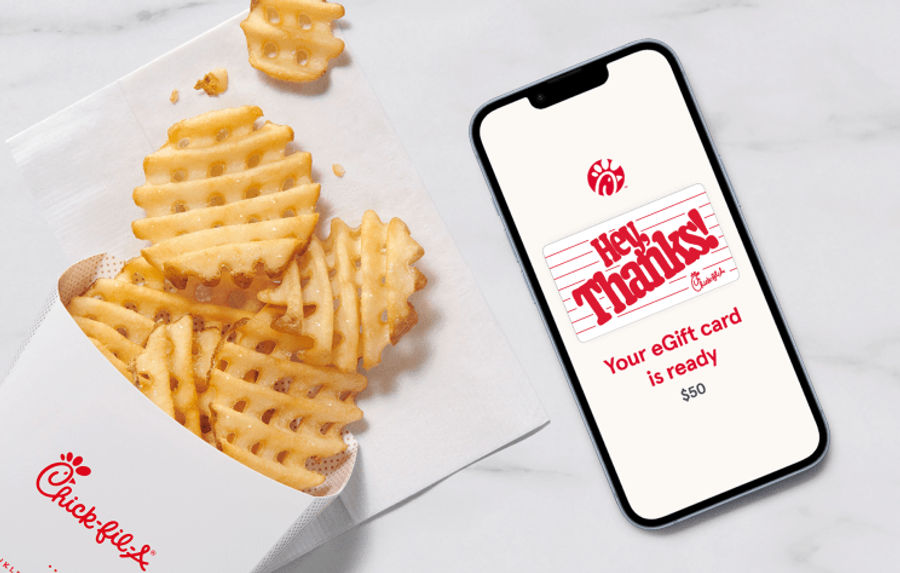
Physical gift cards
Want something a little more tangible? Visit almost any Chick-fil-A® restaurant and pick up a physical gift card, available in any dollar amount between $5 and $100.
Find a restaurant
Chick-fil-A Gift Cards
Chick-fil-A Gift Cards are just as easy to give as they are to receive. Order online or in the app and choose an amount from $5–$100 to deliver some deliciousness right to their inbox.
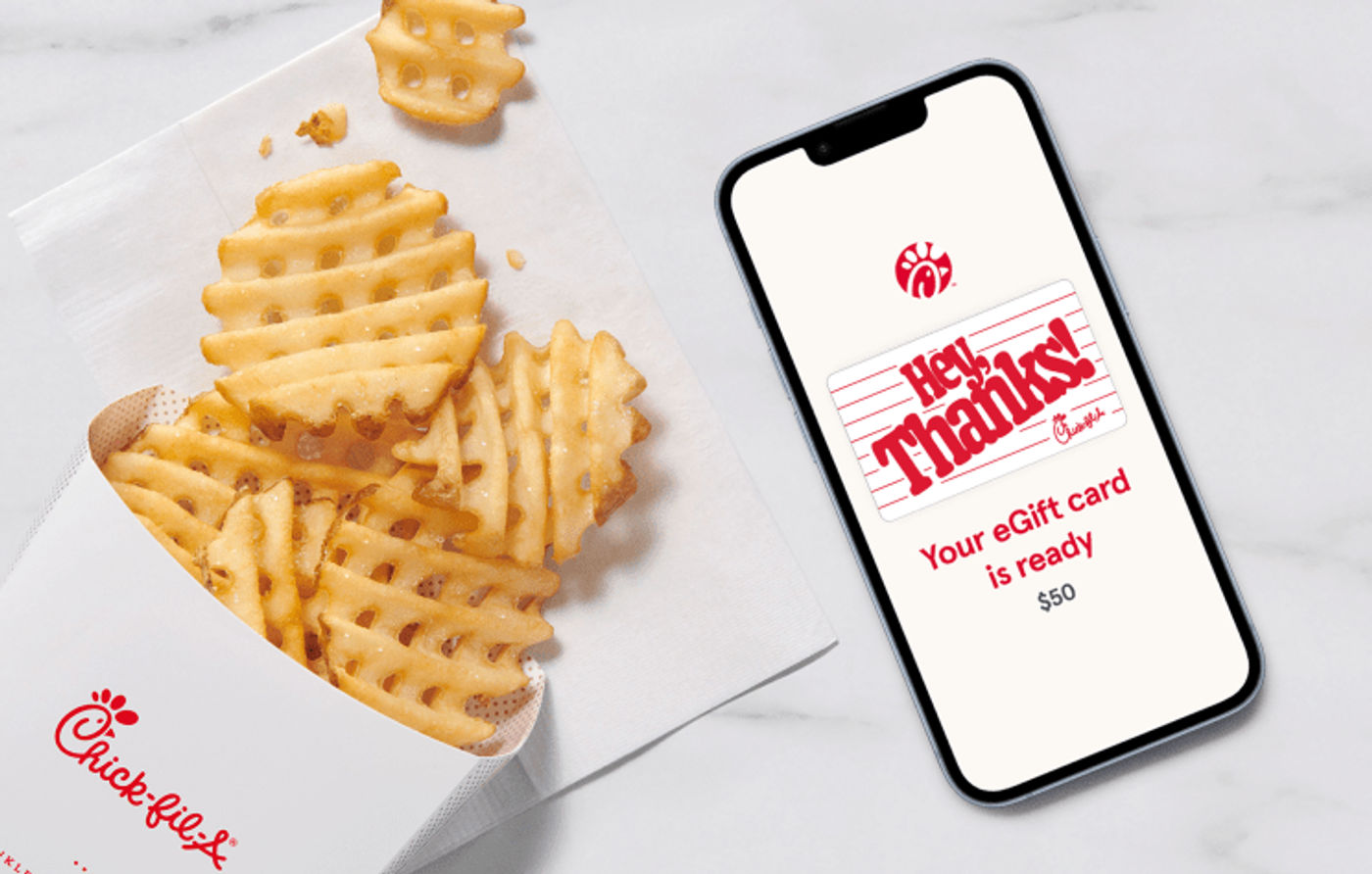
Once you get an email or mobile phone notification, click or tap the “View your Gift Card now” button.
Open the Chick-fil-A App®, or download the app and create a Chick-fil-A One® account to get started.
Select “scan,” tap “Add Funds,” choose “Transfer a gift card” and enjoy. The balance is now only on the Chick-fil-A One Digital Gift Card in the app.
Want something a little more tangible? Visit almost any Chick-fil-A® restaurant and pick up a physical gift card, available in any dollar amount between $5 and $100.
Find a restaurant
Looking to purchase a large amount of physical or digital Gift Cards? Our bulk ordering site makes it a breeze for businesses, churches, schools and organizations to purchase all the cards they need. A $100 order minimum is required.
Shop bulk gift cardsTo check the balance of a physical or digital Gift Card, call the Gift Card Customer Support automated system at 1-888-232-1864 or visit any participating Chick-fil-A restaurant.